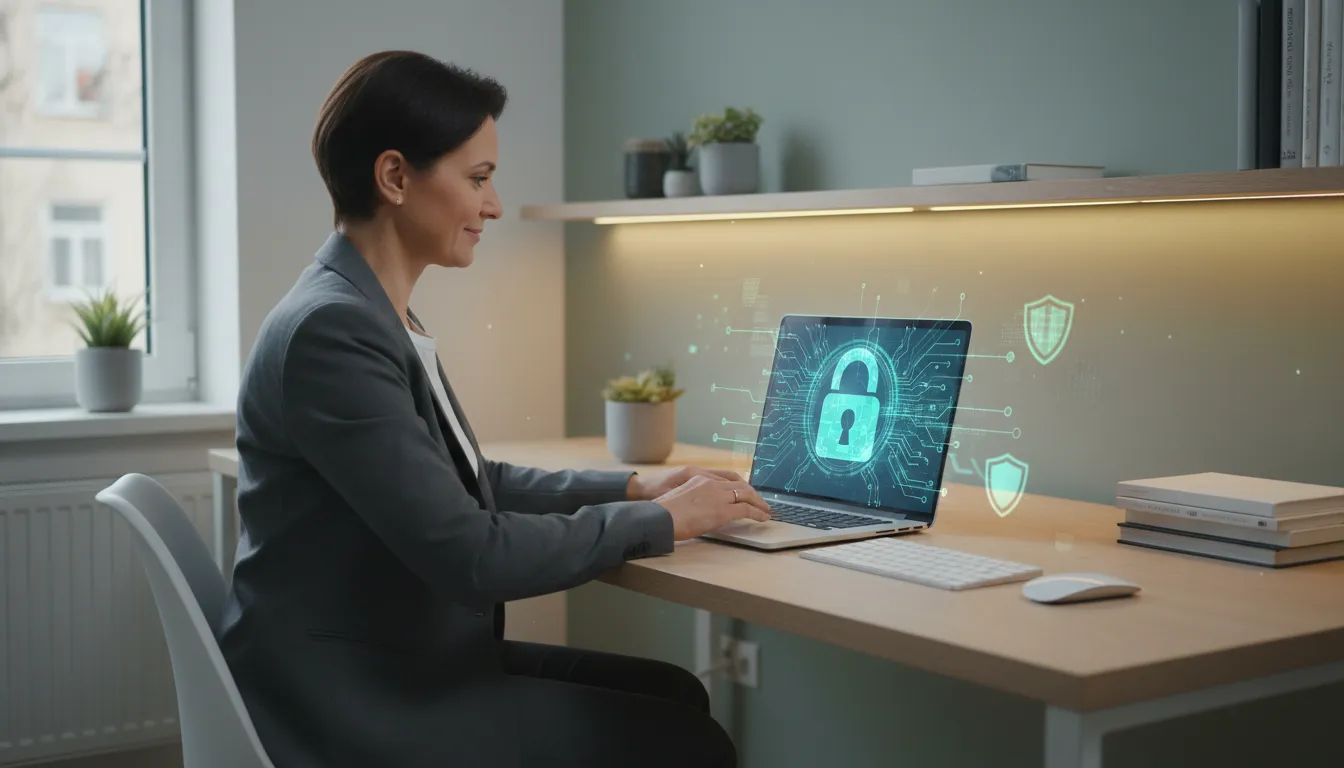
Did you know that every minute, thousands of personal data are exposed, leaked, or stolen on the internet worldwide? Passwords, document numbers, banking information, and even private conversations can end up in the wrong hands at an alarming speed—often without the victim realizing it immediately. In an increasingly connected world, protecting your digital life is no longer a technical luxury but a daily necessity.
The problem is that most people still believe that “it only happens to others.” But just one click on a suspicious link, using a weak password, or connecting to an unsecured public Wi-Fi network can leave years of personal information vulnerable. And the consequences go far beyond embarrassment: financial losses, cloned identity, hacked accounts, and even legal actions are realities faced by victims of digital crimes every year.
The good news is that protecting your personal data online doesn’t require you to be a tech expert. With simple habits, accessible tools, and a bit more attention to what you do online, you can drastically reduce the risks. This guide compiles the main practices recommended by digital security experts for those who want to navigate more safely in 2026.
What Personal Data Is and Why It’s So Valuable
Personal data is any information that can identify a person, directly or indirectly. This includes full name, social security number, address, email, phone number, geographic location, consumption habits, and even the type of content you consume on social media.
For companies and criminals, this data is extremely valuable. Advertising platforms use your online behavior to target personalized ads. Scammers use your data for financial fraud, creating fake profiles, or blackmailing victims. Groups specializing in digital crimes even trade databases with millions of records in clandestine forums on the so-called dark web—the part of the internet not indexed by conventional search engines and requiring specific tools to access.
In Brazil, the General Data Protection Law (LGPD), in effect since 2020, sets rules on how companies must collect, store, and use personal data. But the legislation protects citizens from institutional abuses, not necessarily from personal negligence or external attacks. Individual responsibility remains crucial.
Passwords: The First Shield (and the Most Ignored)
If there’s one area where most people fail in digital security, it’s in creating and managing passwords. Using “123456,” a pet’s name, or a birth date is still extremely common—and dangerous.
How to Create Truly Secure Passwords
Use long passwords: the more characters, the harder to crack. Ideally, have at least 16 characters.
Mix letters, numbers, and symbols: combine uppercase, lowercase, numbers, and special characters like @, #, $ or %.
Avoid personal information: names, dates, and dictionary words are the first targets of automated attacks.
Never reuse passwords: if one service is breached and your password leaks, all other accounts with the same password are at risk.
Use a password manager: tools like Bitwarden, 1Password, and KeePass generate and store complex passwords securely, eliminating the need to memorize them.
Additionally, always enable two-factor authentication (2FA) when available. This feature adds a second layer of verification—usually a code sent to your phone or generated by an app like Google Authenticator—before granting account access.
Phishing: How to Recognize Digital Traps
Phishing is one of the most common forms of online scams. The criminal creates fake messages, emails, or websites that mimic well-known institutions—banks, delivery companies, phone operators—to trick users and steal their data or money.
Warning Signs You Shouldn’t Ignore
Links with strange or slightly different addresses from the originals (e.g., “bancobrasill.com” instead of “bancodobrasil.com.br”)
Messages with exaggerated urgency (“Your account will be blocked in 24 hours!”)
Spelling and grammar errors in the text
Requests for passwords, card numbers, or social security numbers via email or WhatsApp
Promotions “too good to be true”
Never click on links received by email or message without verifying the source. Prefer typing the website address directly into the browser. In case of doubt, contact the company through the official channel before providing any data.
Public Wi-Fi Networks: Convenience with Hidden Risks
Airports, malls, cafes, and parks offer free Wi-Fi as an attraction. But connecting to these networks without protection can be a trap. In public networks, an attacker on the same network can, in some technical scenarios, intercept other users’ data traffic—a technique known as man-in-the-middle attack.
To protect yourself:
Avoid accessing bank accounts or making online purchases on public Wi-Fi
Use a VPN (Virtual Private Network): this feature encrypts your connection, making it much harder for third parties to intercept your data. There are paid and free options, like ProtonVPN and Windscribe
Prefer using mobile data (4G/5G) when performing sensitive transactions
Disable automatic connection to Wi-Fi networks in your device settings
Social Media Privacy: What You Share Says a Lot About You
Social media is, by nature, sharing environments. But many people don’t realize the amount of sensitive information they publish—real-time location, daily routine, photos of documents, images of the house or car. This information can be used by scammers for social engineering, i.e., manipulating the victim based on real information about them.
Good Privacy Practices on Social Media
Review privacy settings of each platform regularly; they change frequently
Restrict who can see your posts to known friends or followers
Don’t share your real-time location, especially when away from home
Avoid posting photos of documents, cards, or tickets with visible personal information
Be wary of quizzes and online games that ask for account access or collect a lot of personal information
Revoke app permissions connected to your networks that you no longer use
Devices and Updates: The Defense Many Postpone
Keeping your operating system and apps updated is one of the simplest and most effective security measures—and one of the most ignored. Updates often fix security vulnerabilities that, if exploited, can give full access to your device.
Other good practices related to devices:
Enable screen lock with password, PIN, biometrics, or facial recognition
Regularly back up your data to the cloud or an external device
Install apps only from official sources, like Google Play and App Store
Use reliable antivirus software on computers; on mobile devices, avoid installing apps from unknown sources
Encrypt your device: both Android and iOS offer this option in security settings
In case of loss or theft, use location and remote lock features, such as Google’s “Find My Device” or Apple’s “Find”
It’s not always possible to completely avoid a data leak. Companies and services that store your information can also be attacked. Knowing how to react makes all the difference.
Find out if your data was exposed: the site Have I Been Pwned (haveibeenpwned.com) allows you to check if your email appeared in known leaks.
Immediately change passwords for affected accounts and any service using the same password.
Enable 2FA on all accounts that allow it.
Monitor your bank accounts for suspicious transactions.
File a police report in case of misuse of your data to commit fraud or scams.
Notify the bank and operators if you suspect card cloning or SIM swap (when your phone number is transferred to another chip without authorization).
Consult the ANPD (National Data Protection Authority), the body responsible for overseeing LGPD compliance in Brazil, in case of abuse by companies.
Conclusion
Protecting your personal data online in 2026 is a continuous task, not a one-time event. The digital landscape changes rapidly, and the methods used by criminals evolve along with it. But the good news is that the vast majority of successful attacks exploit basic behavioral flaws—and these flaws are within anyone’s reach to correct.
Strong and unique passwords, two-factor authentication, attention to suspicious messages, caution with public networks, and updated devices: these simple pillars form a solid defense for any user’s daily life. You don’t need to be a tech expert to protect yourself. You mainly need attention and consistency.
The internet is a powerful tool for work, learning, and entertainment. With the right precautions, it can be enjoyed much more safely and peacefully—without compromising your most valuable information.
Para fornecer as melhores experiências, usamos tecnologias como cookies para armazenar e/ou acessar informações do dispositivo. O consentimento para essas tecnologias nos permitirá processar dados como comportamento de navegação ou IDs exclusivos neste site. Não consentir ou retirar o consentimento pode afetar negativamente certos recursos e funções.
Funcional
Always active
O armazenamento ou acesso técnico é estritamente necessário para a finalidade legítima de permitir a utilização de um serviço específico explicitamente solicitado pelo assinante ou utilizador, ou com a finalidade exclusiva de efetuar a transmissão de uma comunicação através de uma rede de comunicações eletrónicas.
Preferências
O armazenamento ou acesso técnico é necessário para o propósito legítimo de armazenar preferências que não são solicitadas pelo assinante ou usuário.
Estatísticas
O armazenamento ou acesso técnico que é usado exclusivamente para fins estatísticos.O armazenamento técnico ou acesso que é usado exclusivamente para fins estatísticos anônimos. Sem uma intimação, conformidade voluntária por parte de seu provedor de serviços de Internet ou registros adicionais de terceiros, as informações armazenadas ou recuperadas apenas para esse fim geralmente não podem ser usadas para identificá-lo.
Marketing
O armazenamento ou acesso técnico é necessário para criar perfis de usuário para enviar publicidade ou para rastrear o usuário em um site ou em vários sites para fins de marketing semelhantes.